Terminals
SSH to Linux and PowerShell over WinRM to Windows, streamed to the browser over WebSocket and recorded as asciicast. Full-screen toggle, live resize.
 Zanskar
AGENTLESS ACCESS GATEWAY
Browser sessions to the machines you already run. Nothing to install on them.
ONE GATEWAY, EVERY PROTOCOL
Users sign in once to Zanskar and open sessions in the browser. Zanskar authenticates to each target with a vaulted credential the user never sees, records the session, and writes every step to a hash-chained audit log. Targets need no agent and no inbound internet exposure.
WHAT YOU GET
SSH to Linux and PowerShell over WinRM to Windows, streamed to the browser over WebSocket and recorded as asciicast. Full-screen toggle, live resize.
RDP and VNC through a guacd sidecar, with session recording and live shadowing by auditors. Clipboard and drive redirection are policy switches.
psql, mysql and mariadb sessions to PostgreSQL, MySQL and MariaDB, Amazon RDS or self-managed, through an ephemeral per-session client container. The database credential lives in a sidecar, pgbouncer or the gateway's own relay, and never reaches the user's client, not even from a shell escape. TLS to the database is set per target, up to verify-full with your CA bundle.
SFTP upload and download beside the SSH terminal, drive redirection for RDP, each gated per policy and audited with path and size, never recorded.
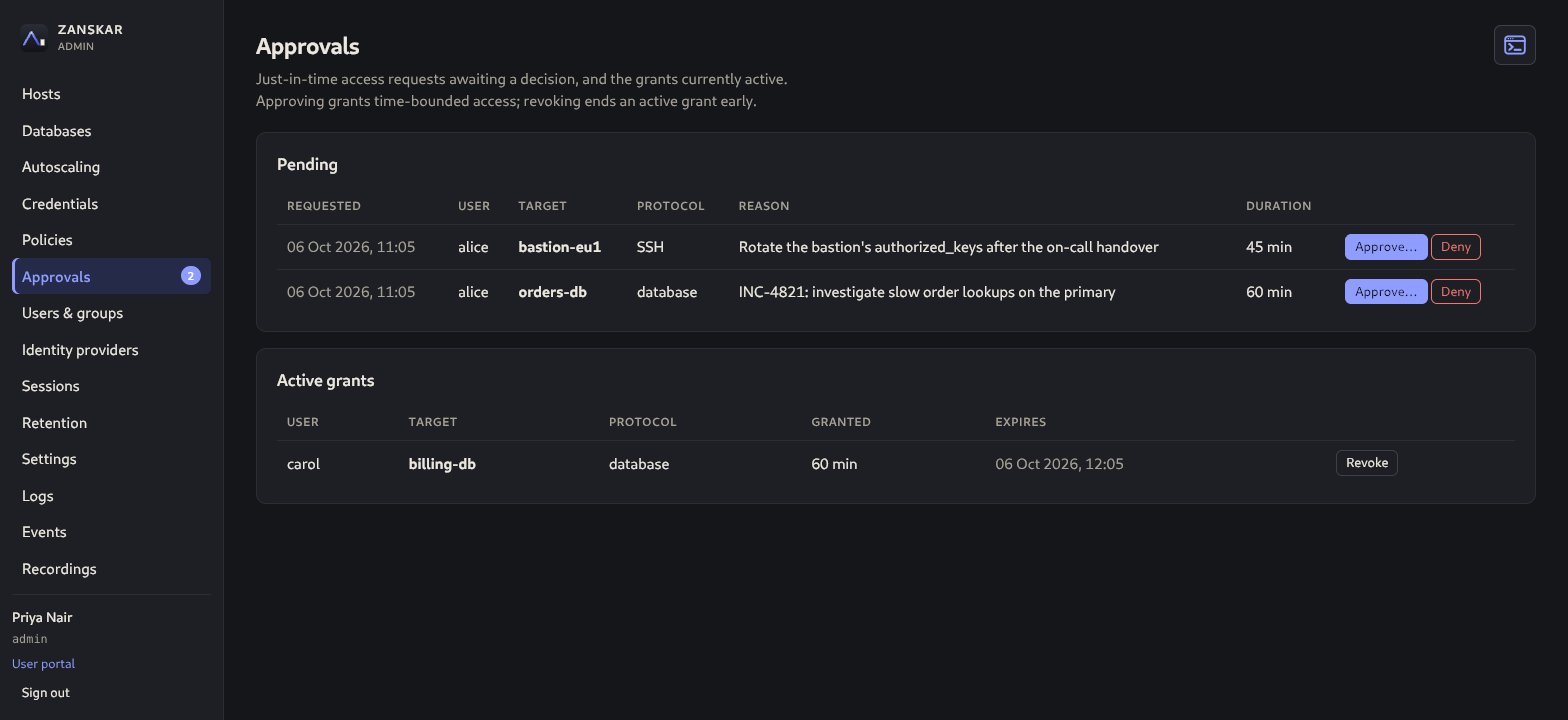
A policy can grant eligibility instead of standing access. Users request a target with a reason and a duration, an admin approves or denies, and the grant expires on its own.
Enroll an AWS Auto Scaling group through a read-only cross-account role. The gateway knows its own principal, prints the CLI script or CloudFormation template that creates the role, and tests it before saving. Then it tracks the healthy pool, uses EC2 Instance Connect credentials, and offers failover when your instance goes away.
Local accounts with Argon2id and mandatory TOTP, onboarded with a one-time password they replace at first sign-in, or OIDC and LDAP/Active Directory sign-in with audited group-to-role mapping. Three roles: admin, auditor (review only), user.
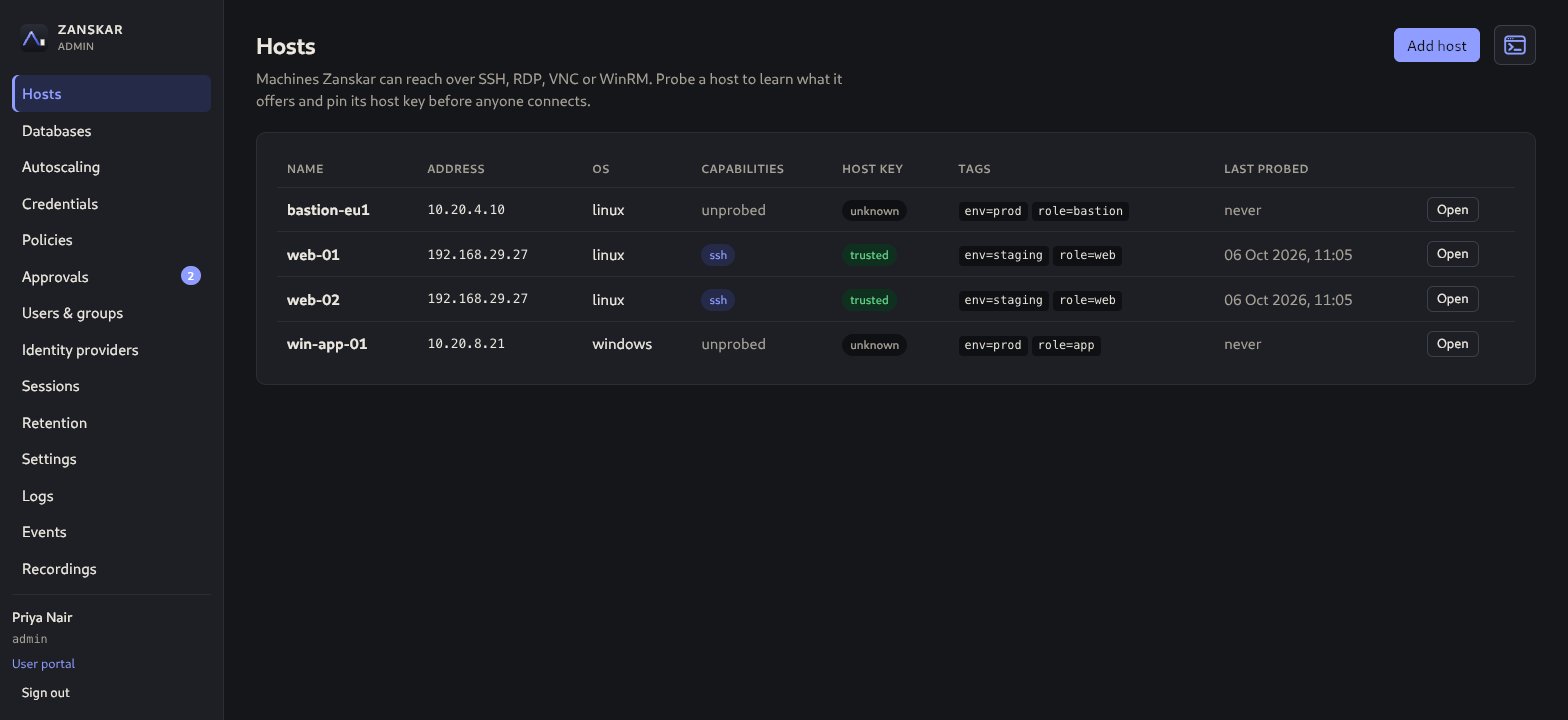
An SSH certificate authority is the recommended way to reach Linux: Zanskar generates it, prints the one TrustedUserCAKeys line each target needs, mints a minutes-long certificate per session that names the user in the target's log, and rotates the authority in two steps with a per-target test. Vaulted passwords and keys remain, sealed under a versioned master key. Host keys and TLS certificates are pinned at enrollment and any change blocks connections.
Every session is recorded; recordings and command transcripts can be downloaded, and every view and download is itself audited. Retention is set globally and per policy or target. The audit log is hash-chained with a verify command and streams to a SIEM over syslog/CEF or a signed webhook.
One static binary with the web UI embedded. zanskar init serves HTTPS on 443 out of the box with a certificate you replace on the Settings page. Runtime settings apply live, the console says when the environment file needs a restart and drains sessions for it, recordings move to an S3-compatible bucket without a restart, and the Logs page shows the gateway's recent lines. Administrators can also work from a command line inside the console, opened with an authenticator code and audited line by line. backup, restore and key rotate-master stay on the host.
HOW IT IS BUILT
Zanskar is designed for compliance-driven environments: least standing privilege, separated authentication, and evidence for everything.
Read the threat model and the architecture decision records.
START ON ONE SERVER
zanskar init.Signed deb/rpm packages for amd64 and arm64, or a signed container image with Docker Compose.